Printer Offline or Wi-Fi Issues? Let’s Help You Decide the Right Next Step
Printers showing “offline”, disconnecting from Wi-Fi, or failing to stay connected are common frustrations. Sometimes it’s a setup situation — other times replacement makes more sense for reliability. We help you decide what fits your usage.
Common Offline & Wi-Fi Printer Situations
If any of these sound familiar, you’re not alone — we’ll guide you to the right next step.
Printer Shows Offline
Status stays offline even when powered on.
Keeps Disconnecting
Connects briefly, then drops again.
Router or Password Changed
New router/network settings cause issues.
Works on One Device Only
Prints from one computer but not others.
Mobile Printing Fails
Phone/tablet cannot print reliably.
Slow Connection / Delays
Long delays before printing begins.
Weak Wi-Fi Signal
Printer is far from router or signal is weak.
Recurring Connection Errors
Errors keep returning after setup.
Quick Guide: When Replacement Can Make Sense
If connectivity issues repeat and reliability matters, upgrading to a newer HP printer can be the more practical long-term choice.
It May Still Be Usable If
- Connectivity issues started recently
- It works sometimes (not constantly offline)
- You print lightly and can tolerate occasional interruptions
- Only one device prints and that’s enough for your use
- Your printer is newer and meets your printing volume
Replacement May Make Sense If
- Offline/disconnect issues happen daily
- Multiple users/devices depend on printing
- Work or business requires consistent printing
- Your printer is older and reliability is declining
- Repeated issues waste time and interrupt workflow
Popular HP Options for Better Connectivity
Here are common HP categories chosen for improved reliability. We’ll help you select the best-fit model for your usage.
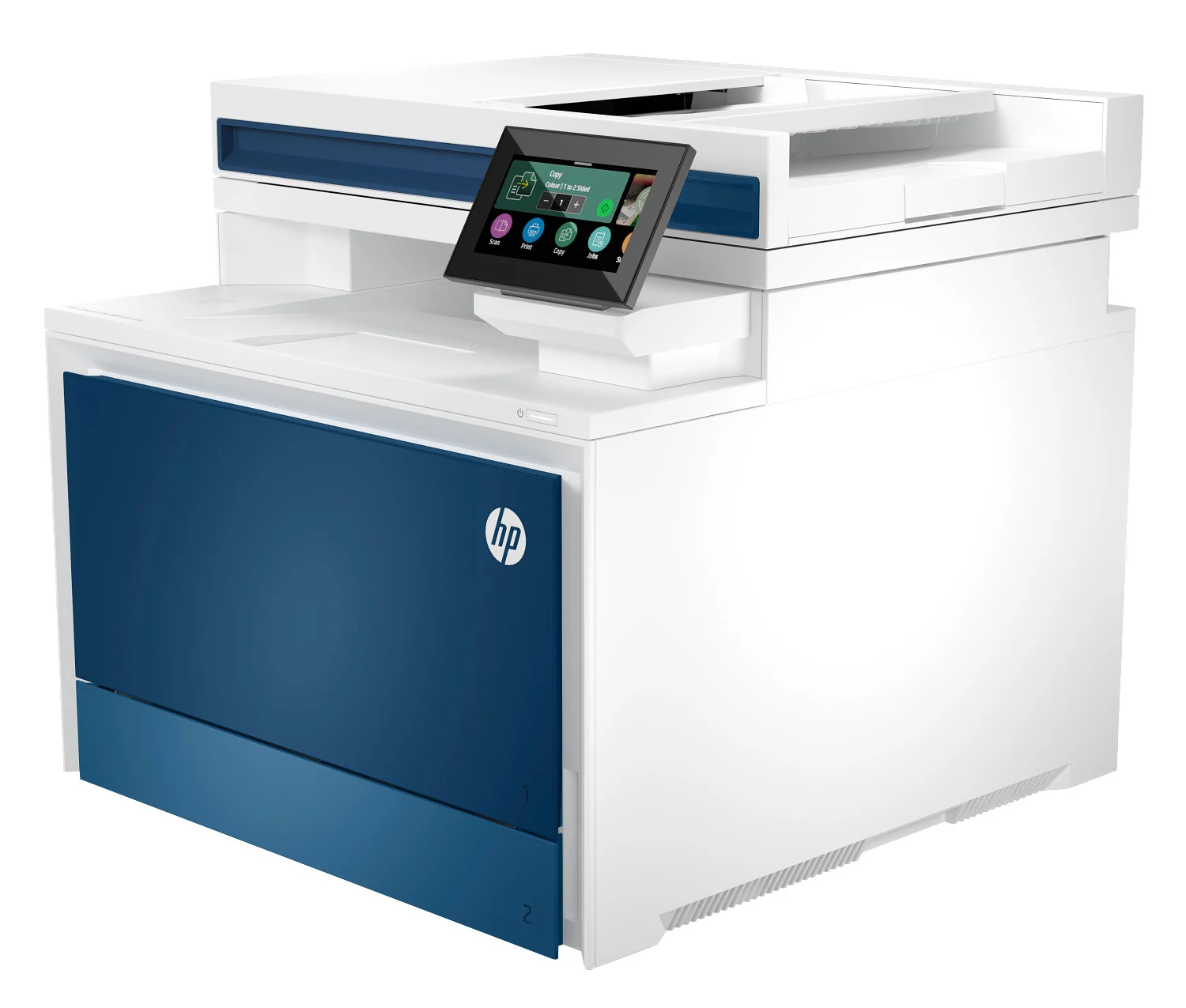
HP LaserJet Category
Often chosen for stable performance and consistent office workflows.
- Designed for business environments
- Supports multiple users/devices
- Reliable daily printing workflows
- Great for documents and office tasks
- Efficient for frequent printing
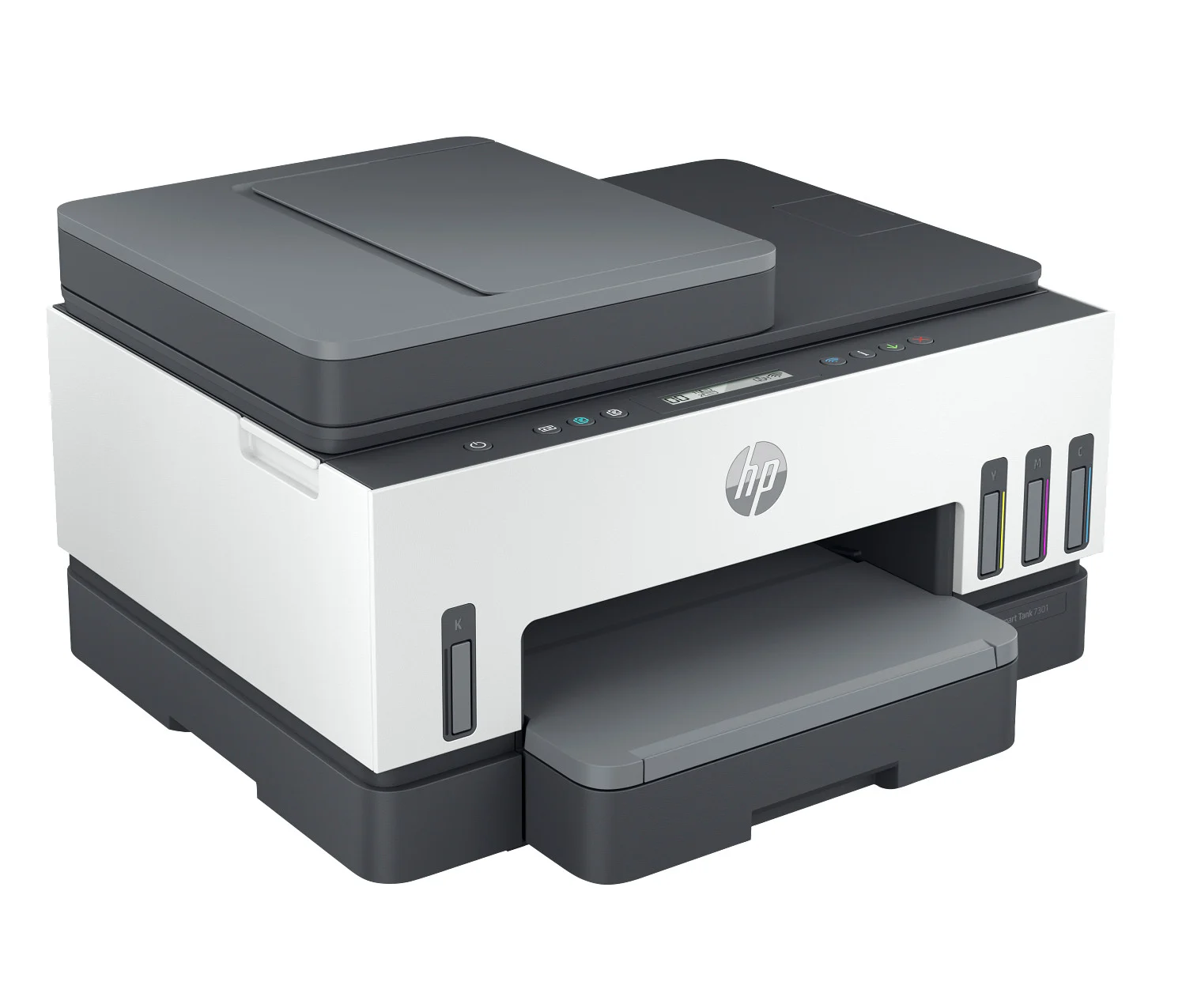
HP Smart Tank Category
Often chosen for families and home offices printing regularly.
- Good for frequent home printing
- Wireless printing convenience
- Designed for ongoing use
- Great for school + home office
- Balanced performance for home needs
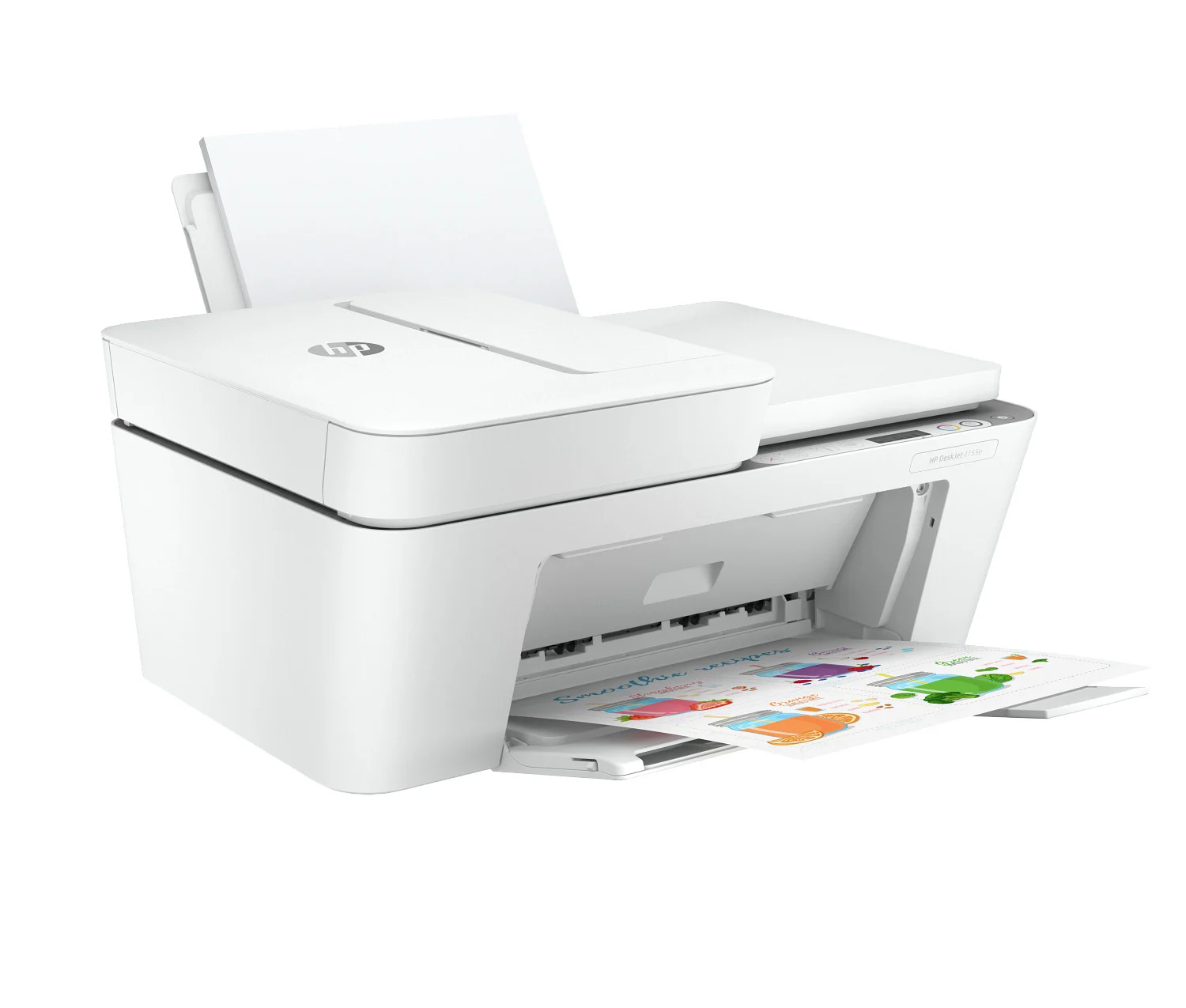
HP DeskJet Category
Often chosen for everyday home tasks and occasional printing.
- Compact and space-friendly
- Simple home printing use
- Wireless convenience for daily tasks
- Good for occasional color prints
- Ideal for light usage needs
Frequently Asked Questions
Quick answers about guidance, purchasing, and next steps.
Ready for a More Reliable Wi-Fi Printer?
If you’re tired of “offline” status and disconnects, chat with a product specialist. We’ll guide you to a brand-new HP option that fits your home or business needs.
Disclaimer: We provide independent product guidance and assisted purchase support. ePrinterShoppe is an HP Authorized Partner for sourcing genuine HP products. We do not provide official manufacturer repair or warranty services. For official HP support programs or manufacturer warranty service, we can direct you to HP resources where appropriate. Product availability, eligibility, and final totals are confirmed on quote/invoice.