Get HP Printer Assistance From a Product Expert
Get clear guidance choosing the right printer, replacing older models, finding compatible cartridges, and understanding practical next steps when your current printer is showing multiple issues or no longer fits your needs.
Right Printer Choice
Compare printers for home, office, school, and multi-user use.
Replacement Guidance
Understand when replacing an older printer may be the better path.
Compatible Supplies
Reduce confusion around cartridges, toner, and common consumables.
Multiple Issue Review
Understand practical next steps when a printer shows repeated problems.
Printer Models Customers Often Ask About
As an HP Authorized Partner, we can discuss common HP printer categories and help customers compare options based on home use, office use, print volume, and practical everyday needs.
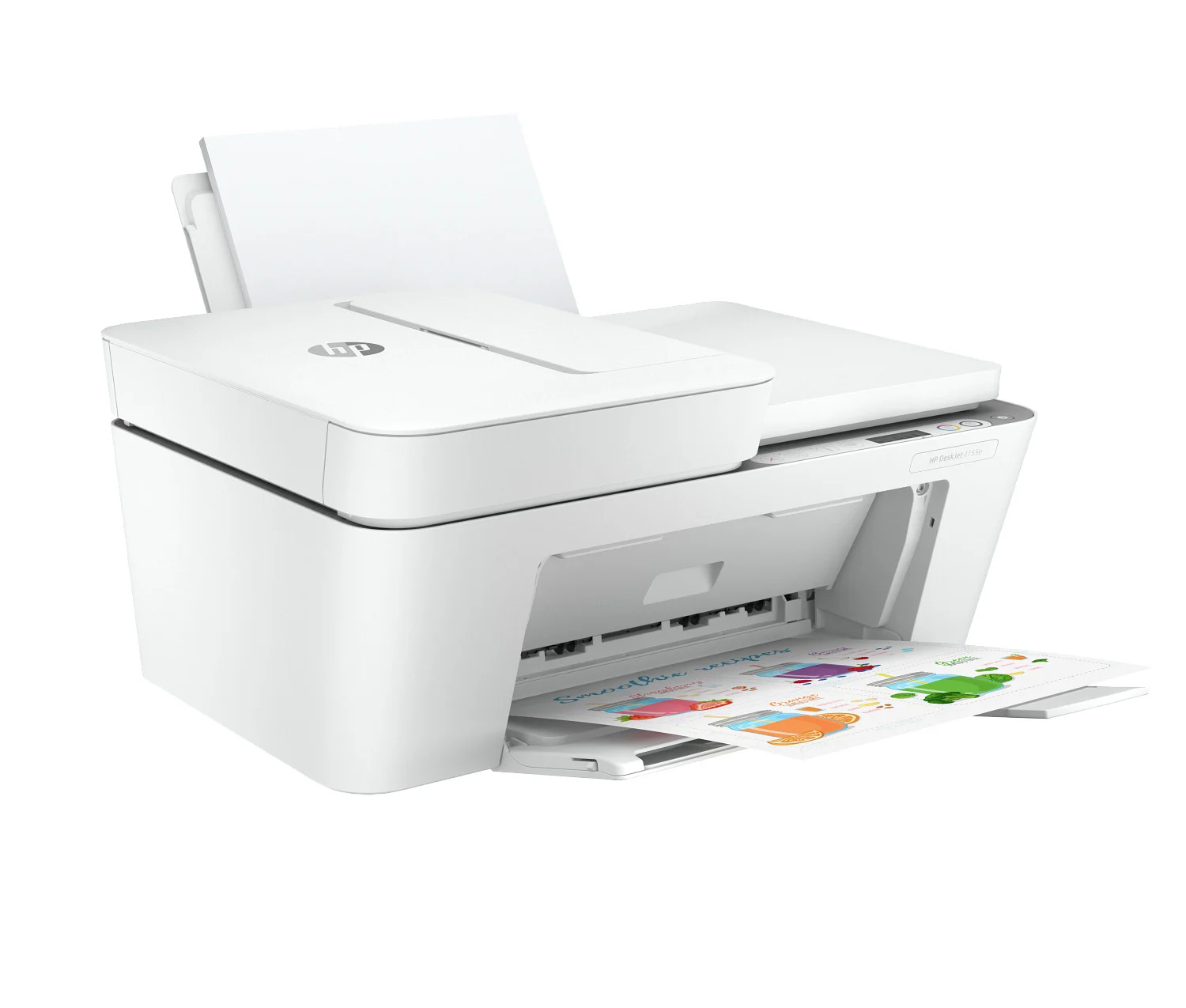
HP DeskJet
Often considered for compact home printing, schoolwork, and occasional everyday use.
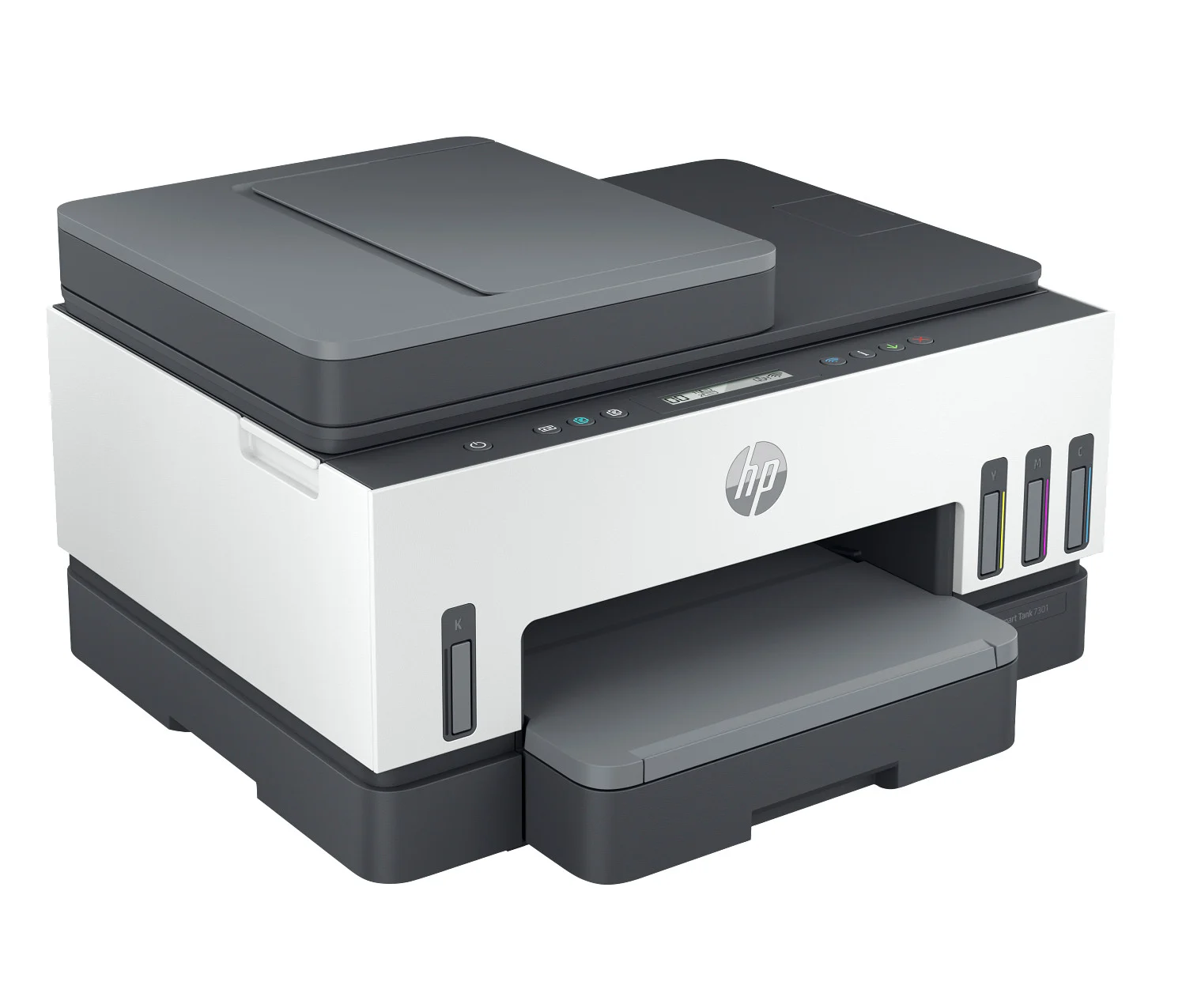
HP OfficeJet / Smart Tank
Common for home offices, family printing, and users who want versatile daily printing.
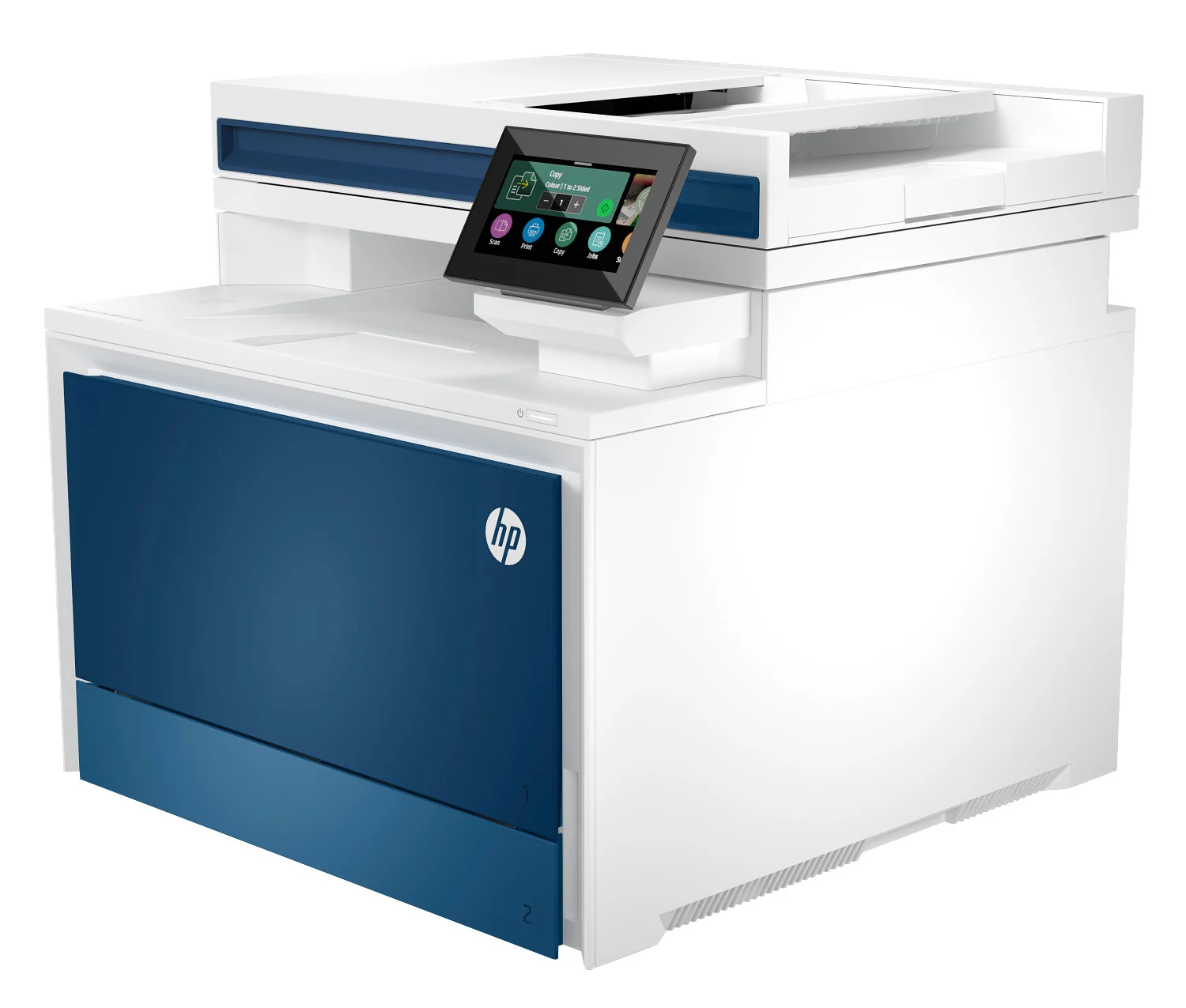
HP LaserJet
Frequently chosen for office workflows, repeated document printing, and multi-user environments.
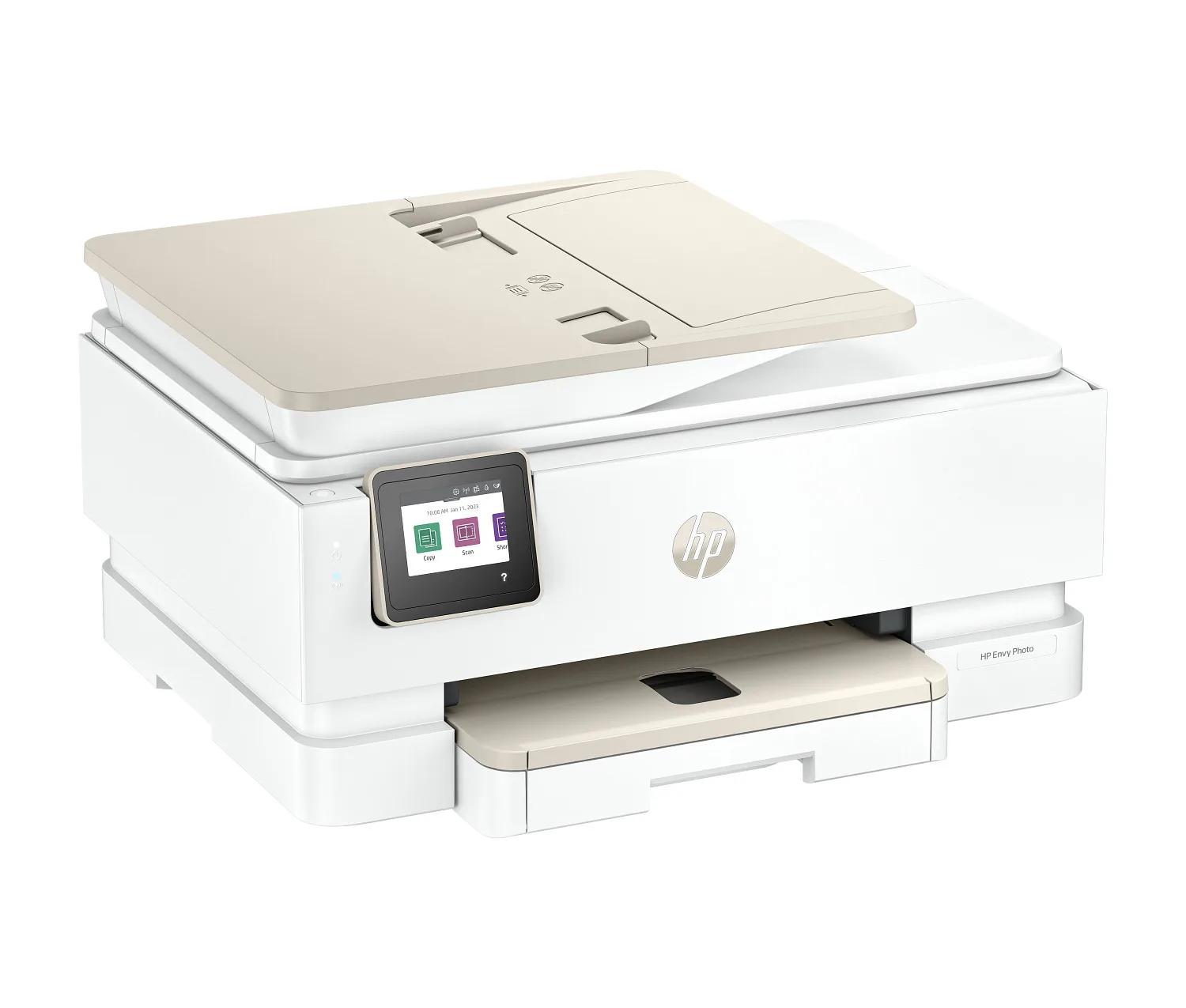
HP Envy / Inspire
Best for Home and Office. Useful when comparing upgrade paths, newer models, and practical next-step buying decisions.
Common Errors & Problems. Connect With Product Expert
Get Product Expert Assistance. Choose Next Step.
Printer Not Printing
Sometimes the printer receives the command but does not print. This can happen due to connection problems, incorrect printer settings, or stuck print queues
Paper Jams
Paper jams occur when paper gets stuck inside the printer rollers. This usually happens because of misaligned paper, using the wrong paper type, or overloading the paper tray.
Poor Print Quality
Prints may appear faded, blurry, or with lines across the page. This is often caused by low ink levels, clogged printheads, or using low-quality paper.
Printer Offline Error
The computer may show the printer as offline even when it is turned on. This typically happens due to network issues, outdated drivers, or incorrect printer configuration.
How Product Expert Can Help & Guide Choose Next Step
This page is designed to help visitors make better printer decisions without guesswork. We focus on practical product guidance, replacement thinking, supply compatibility, and real-world printing needs.
Choosing the Right Printer
Not every printer fits every user. The right choice depends on how often you print, what you print, how many devices are involved, and whether the setup is for home or office use.
- Compare home printers vs office printers
- Review inkjet vs laser printing considerations
- Understand wireless, mobile, and multi-device printing needs
- Choose according to print volume, color needs, and document type
Replacing an Older Printer
When a printer is aging, inconsistent, or no longer aligned with modern usage, replacement can be a more practical long-term move than continuing with an outdated setup.
- Understand signs that it may be time to replace a printer
- Compare newer categories and updated feature sets
- Review convenience, speed, and reliability factors
- Explore more efficient options for home or business use
Finding Compatible Cartridges & Supplies
Printer decisions often go beyond the device itself. Choosing the right supply category helps reduce unnecessary confusion and supports smoother everyday printing.
- Identify compatible supply categories for common printer families
- Understand differences between ink and toner use cases
- Reduce mistakes when ordering replacement consumables
- Review practical supply planning for regular printing needs
When a Printer Shows Multiple Issues
If a printer seems unreliable, inconsistent, or appears no longer suitable for your workflow, it helps to step back and look at the broader decision: keep using it, change supplies, review setup needs, or move toward a replacement.
- Learn common reasons printers stop performing as expected
- Review setup, connectivity, and consumable considerations
- Understand when replacement may be worth considering
- Explore practical next-step options based on usage needs
Our Customers
The guidance on this page is structured for customers comparing printer directions, supply options, and replacement possibilities.
Home Users
Ideal for families, personal workspaces, and everyday document or color printing decisions.
Home Offices
Useful for users balancing convenience, reliability, and multi-device printing in one setup.
Businesses
Helpful for offices looking at volume, shared printing, and more dependable long-term printer choices.
School & Study Use
Great for students and parents comparing practical printers for assignments, forms, and regular home use.
Why Customers Choose Us
Customers often want straightforward product guidance, practical comparison points, and a clear way to decide what makes sense next.
Clear Guidance
We focus on helping customers understand product choices in a simple, direct way.
Compatible Thinking
From printer families to supply categories, compatibility is kept front and center.
Practical Decisions
We help frame the decision between keeping a setup, changing supplies, or replacing the printer.
Home & Office Focus
Guidance is structured for both individual users and teams with broader printing needs.
Printer Replacement and Buying Guidance
When a current printer no longer feels like the right fit, the next step is often a better buying decision rather than more confusion.
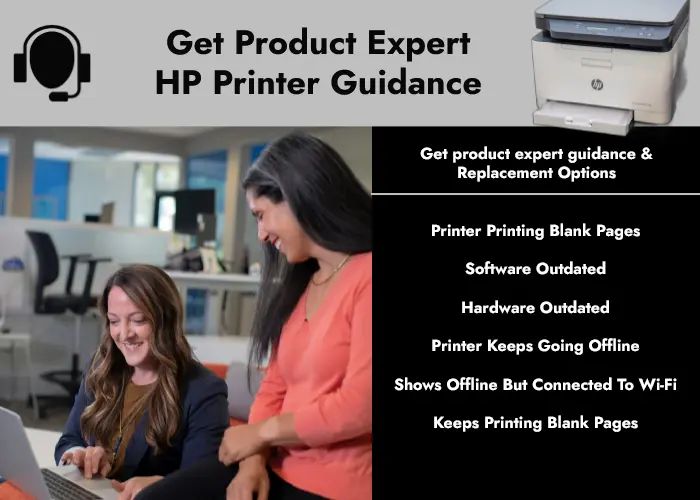
Thinking Beyond the Current Printer
Customers often reach a point where the better question is no longer “what is wrong with this printer?” but “what printer or supply direction makes the most sense now?”
- Compare options based on home vs office use
- Review print speed, connectivity, and multi-user needs
- Look at everyday convenience and long-term fit
- Explore a better path when an older printer no longer matches your workflow
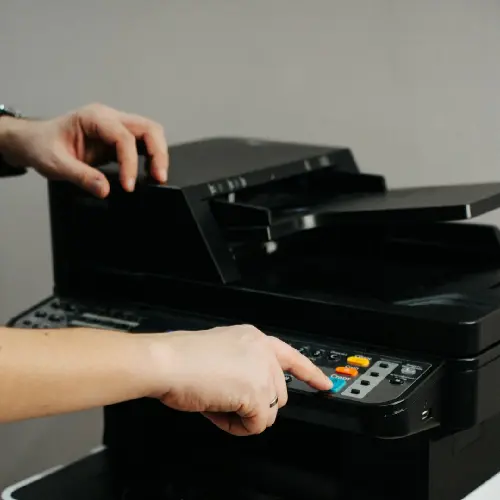
Replace an Older Printer
Explore when it may be time to move on from an older setup and compare practical replacement paths.
- Replacement thinking for home and office printing
- Compare newer categories and feature needs
- Reduce uncertainty before choosing a new model

Printer Buying Guidance
Understand what matters most when comparing printer types, everyday use cases, and overall fit.
- Home vs office decision points
- Inkjet vs laser considerations
- Features that matter before buying

Compatible Supplies Guidance
Review supply categories and compatibility considerations to reduce confusion around printer consumables.
- Compatible cartridge and toner planning
- Supply category awareness
- Practical support for ongoing printing needs
How Guidance Works
The process is designed to stay simple, clear, and focused on helping you choose the right direction.
Share Your Situation
Tell us whether you are choosing a new printer, comparing replacement options, or looking at supply compatibility.
Review Your Use Case
We look at home vs office use, print frequency, device count, and what matters most for your workflow.
Compare Practical Options
We help narrow down categories, printer families, and suitable next-step choices based on your needs.
Choose the Right Direction
Move forward with better product clarity, replacement awareness, and more confidence in your next decision.
Frequently Asked Questions
Quick answers about product guidance, replacement thinking, and next steps.
Ready to Talk to a Printer Product Expert?
Whether you need help choosing the right printer, comparing replacement options, or understanding compatible supplies, start with clear product guidance.
Disclaimer: We provide independent product guidance and assisted purchase support. ePrinterShoppe is an HP Authorized Partner for sourcing genuine HP products. We do not provide official manufacturer repair or warranty services on this page. For official HP support programs or manufacturer warranty service, we can direct customers to HP resources where appropriate. Product availability, eligibility, and final totals are confirmed on quote or invoice.