Laptop Overheating or Loud Fan? Upgrade Guidance HP Authorized Partner
If your laptop gets hot, the fan runs constantly, or performance drops during normal use, it may be time to consider upgrading. We help you decide if an upgrade makes sense and guide you toward a suitable HP laptop through assisted purchase: quote → invoice → delivery.
Why Overheating and Fan Noise Can Increase
Heat and fan noise can increase as laptops age or as your workload becomes heavier. This page is for upgrade decision-making and guidance.
Common Signs It’s Affecting Your Routine
- Fan runs loudly even during normal browsing or office tasks
- Laptop feels hot near the keyboard or bottom surface
- Performance drops during meetings or multitasking
- Battery seems to drain faster when the fan runs constantly
- System becomes uncomfortable to use on lap/desk for long sessions
- Apps stutter when the laptop gets warm (performance throttling)
What Helps Us Recommend Better
- Your use case (work apps, classes, meetings, browsing, design tools)
- How often the fan gets loud and during what tasks
- Whether portability and battery matter
- Your budget range (so we shortlist the right tier)
Based on your routine, we’ll recommend HP laptop categories and confirm the best-fit configuration during assisted purchase.
When an Upgrade Makes Sense
If overheating and fan noise repeatedly interrupt your day, upgrading can improve comfort, stability, and daily performance.
Fan Runs Constantly
If the fan is always loud during normal tasks, upgrading can improve comfort and quiet operation.
Laptop Gets Hot Quickly
If heat builds up fast, it can reduce comfort—especially during long work or study sessions.
Performance Throttling
If speed drops when the laptop gets warm, upgrading can help you maintain consistent performance.
Meetings Cause Heat
If video calls make the fan roar or the laptop heat up, upgrading can stabilize your workday.
Heavy Multitasking
If multiple apps/tabs push your laptop into loud fan mode, upgrading may match today’s workload better.
Battery Also Declining
If heat and fan noise are paired with weak battery life, upgrading can improve both.
Work Needs Reliability
If you depend on your laptop daily, repeated overheating interruptions can justify upgrading.
Comfort Matters
If the laptop is uncomfortable to use for long sessions, upgrading can improve your day-to-day experience.
Keep It or Upgrade? (Simple Comparison)
If heat/fan noise is occasional, you may keep using it. If it affects comfort, meetings, or daily productivity, upgrading can be the cleanest path.
| Situation | Keep Using It | Consider Upgrading |
|---|---|---|
| Fan is loud only sometimes | May be fine if it doesn’t disrupt your daily work or comfort. | Upgrade if fan noise becomes frequent and distracting. |
| Heat affects comfort | May be manageable for short sessions. | Upgrade if long sessions become uncomfortable. |
| Meetings trigger heat | May struggle during calls and screen sharing. | Upgrade if stability matters for work/school. |
| Performance drops when warm | Occasional slowdown might be tolerable for light use. | Upgrade if slowdowns impact productivity. |
Explore Popular HP Laptops
These are common categories and examples. We’ll confirm the best-fit model and configuration based on your use case and budget range.
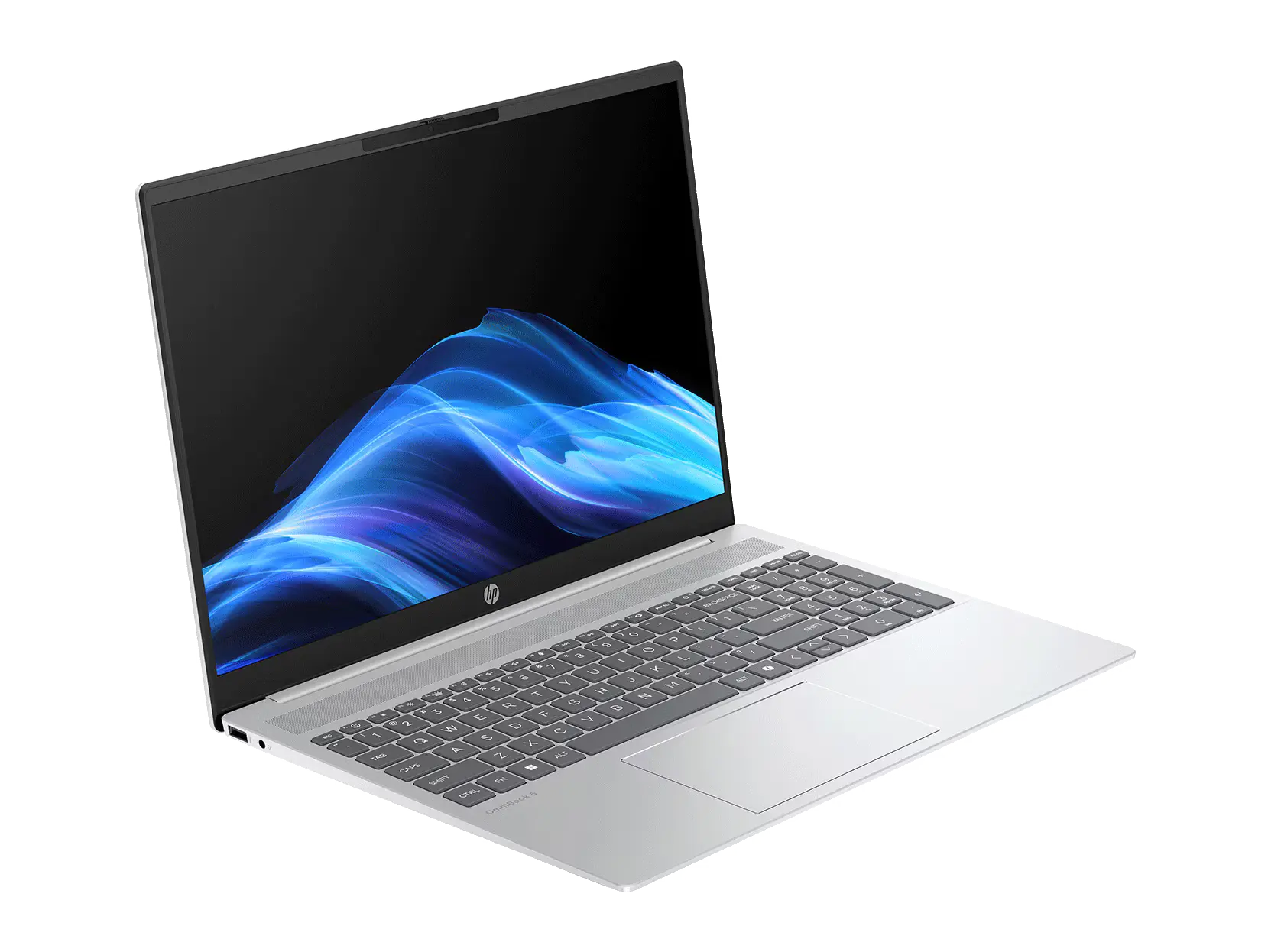
HP Pavilion (Everyday)
Balanced performance for browsing, documents, streaming, and everyday tasks.
- Comfortable screen size options
- Good for daily productivity
- Reliable for web + office apps
- Great value category
- Guided selection available
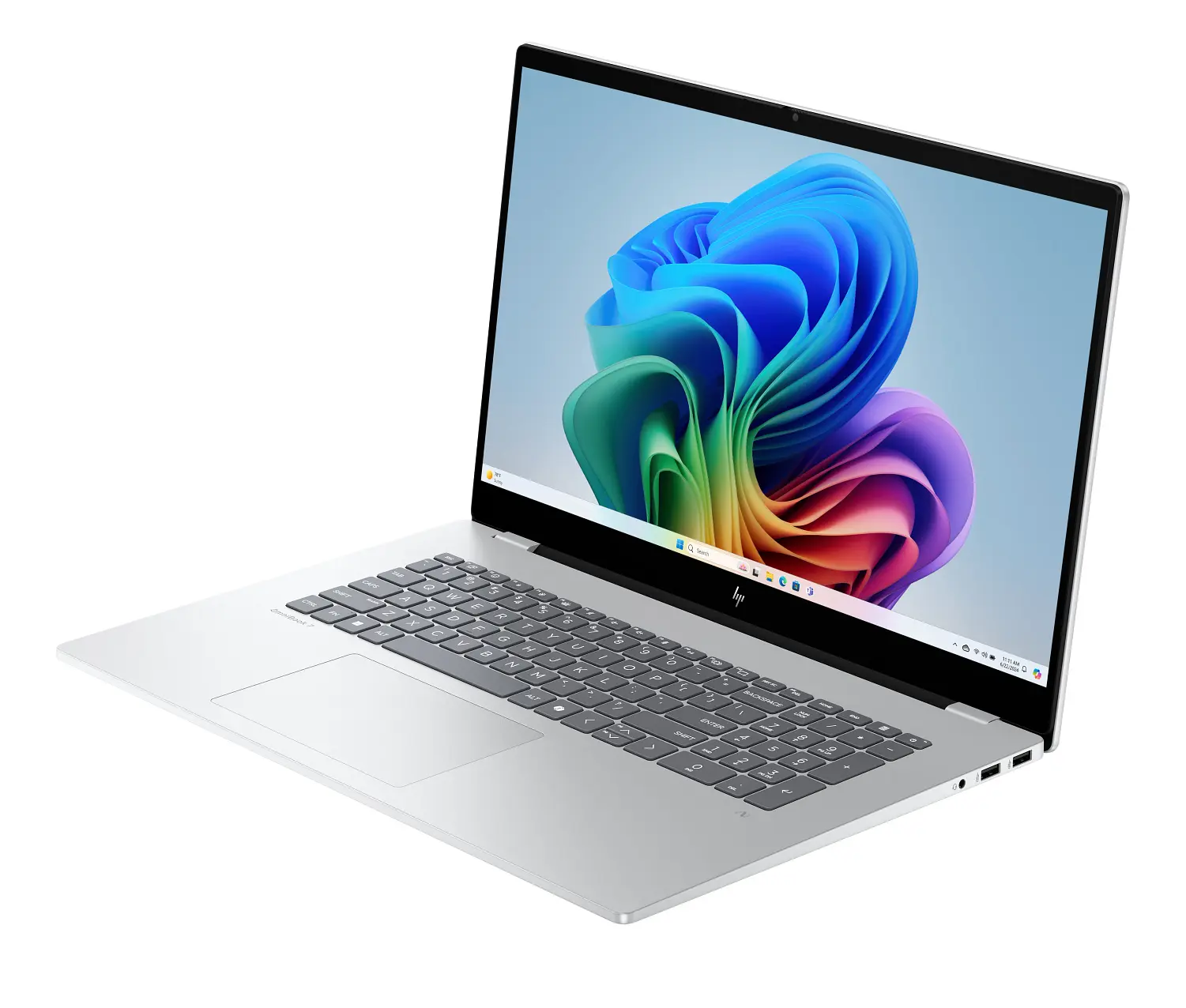
HP Envy (Premium Home)
A premium-feel laptop category for smooth multitasking and better display experience.
- Premium build category
- Great for multitasking
- Better display options
- Strong everyday performance
- We help confirm the right config
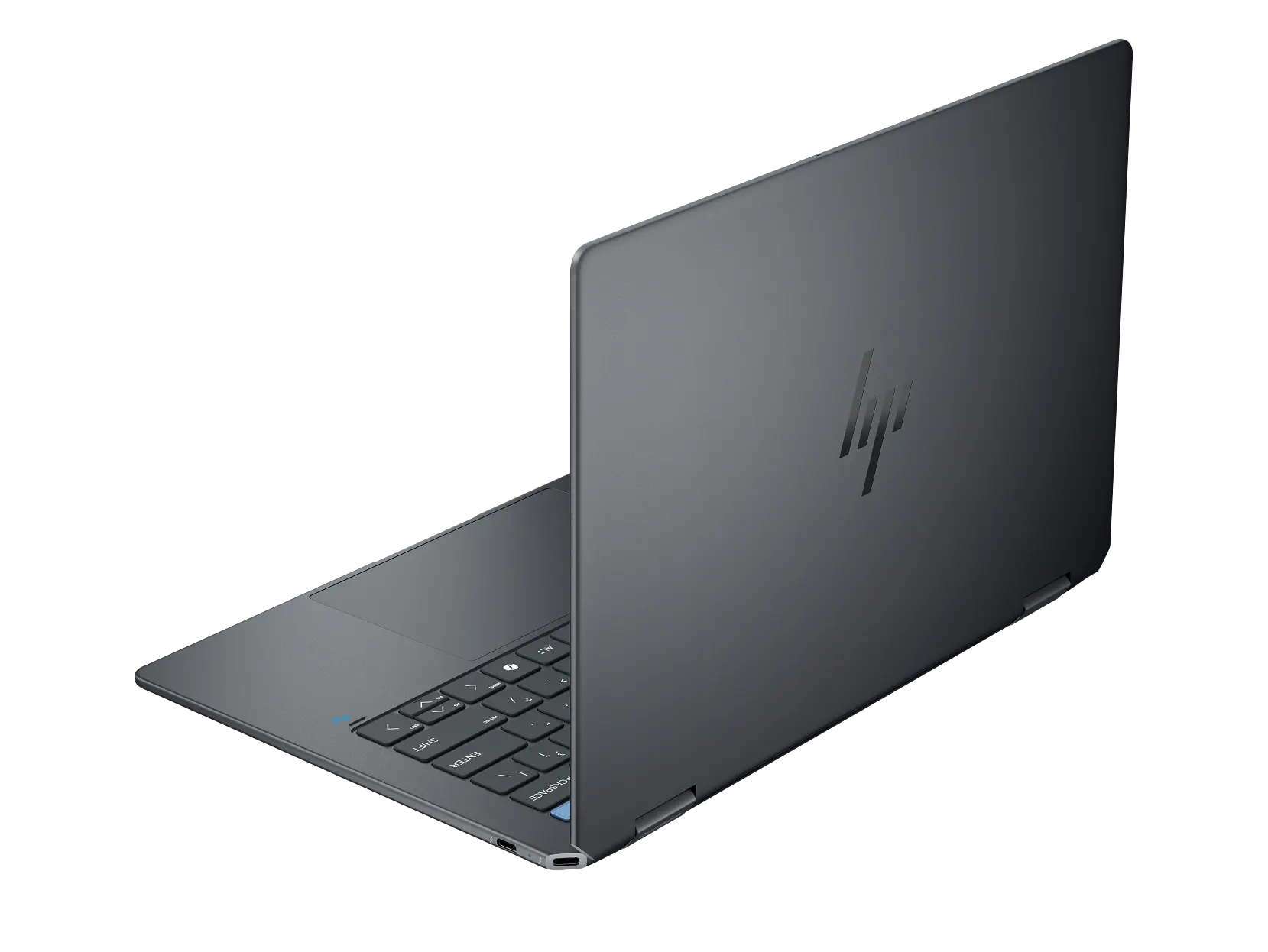
HP Spectre x360 (2-in-1)
A flexible 2-in-1 category for work, travel, and premium portability needs.
- Convertible 2-in-1 design
- Great for travel
- Premium performance category
- Ideal for presentations and work
- Configuration guidance available
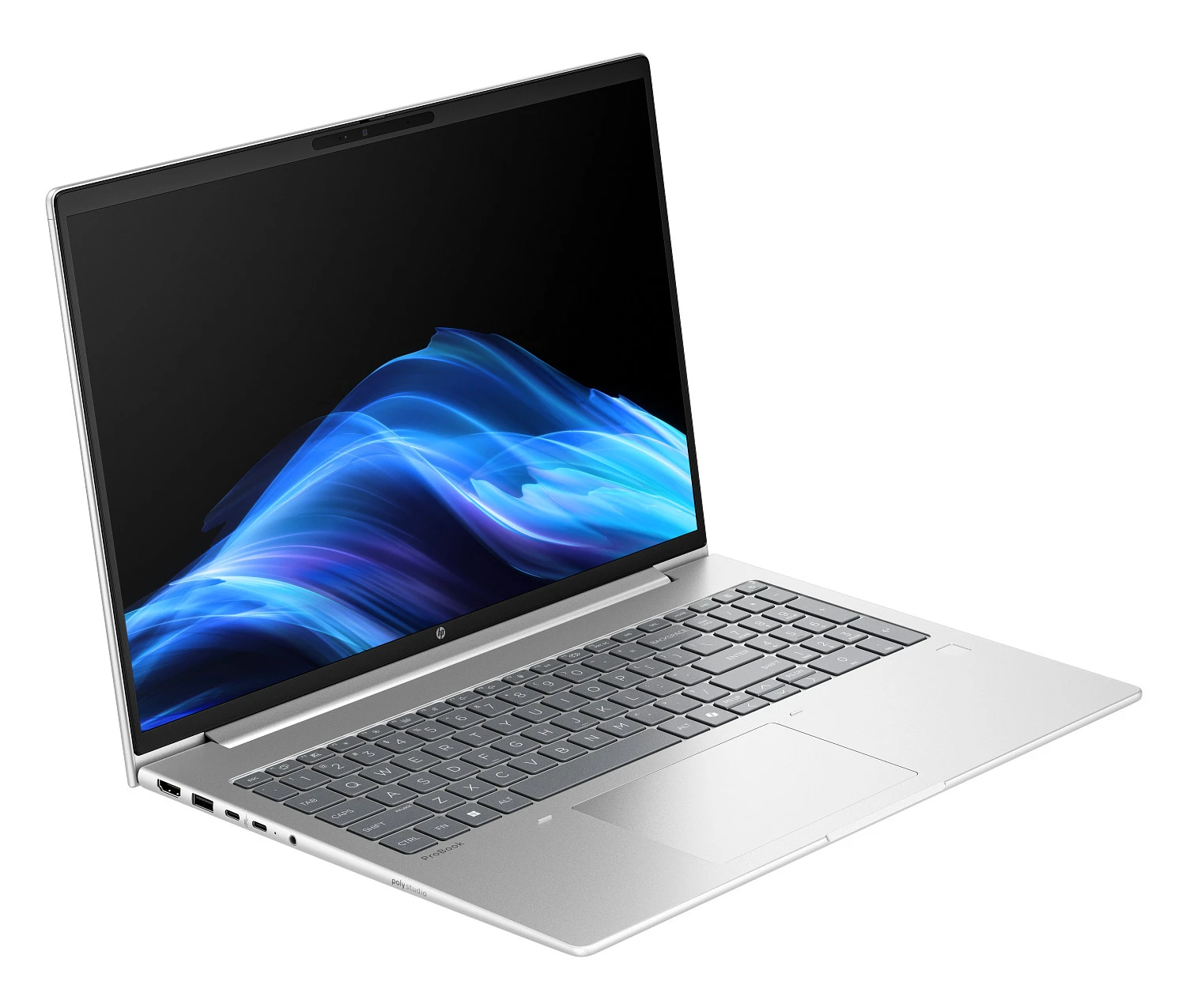
HP ProBook (Business)
Business-ready laptop category built for day-to-day professional productivity.
- Business-focused category
- Great for office productivity
- Ideal for email + spreadsheets
- Good for teams and work use
- Assisted selection available
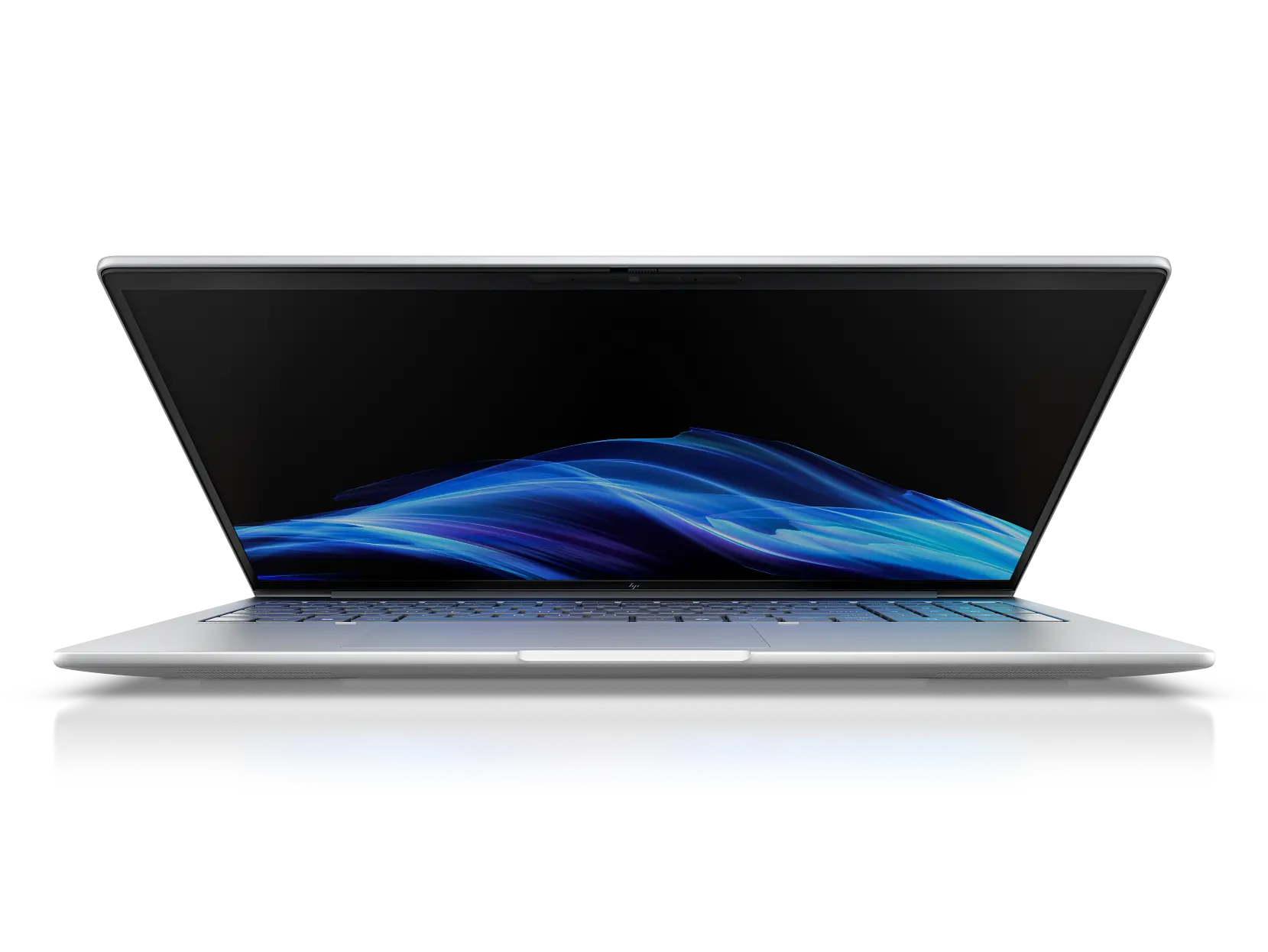
HP EliteBook (Business Premium)
Premium business category for professionals who need reliability and strong daily performance.
- Premium business category
- Reliable daily performance
- Great for travel and meetings
- Professional-grade build
- We match to your workflow
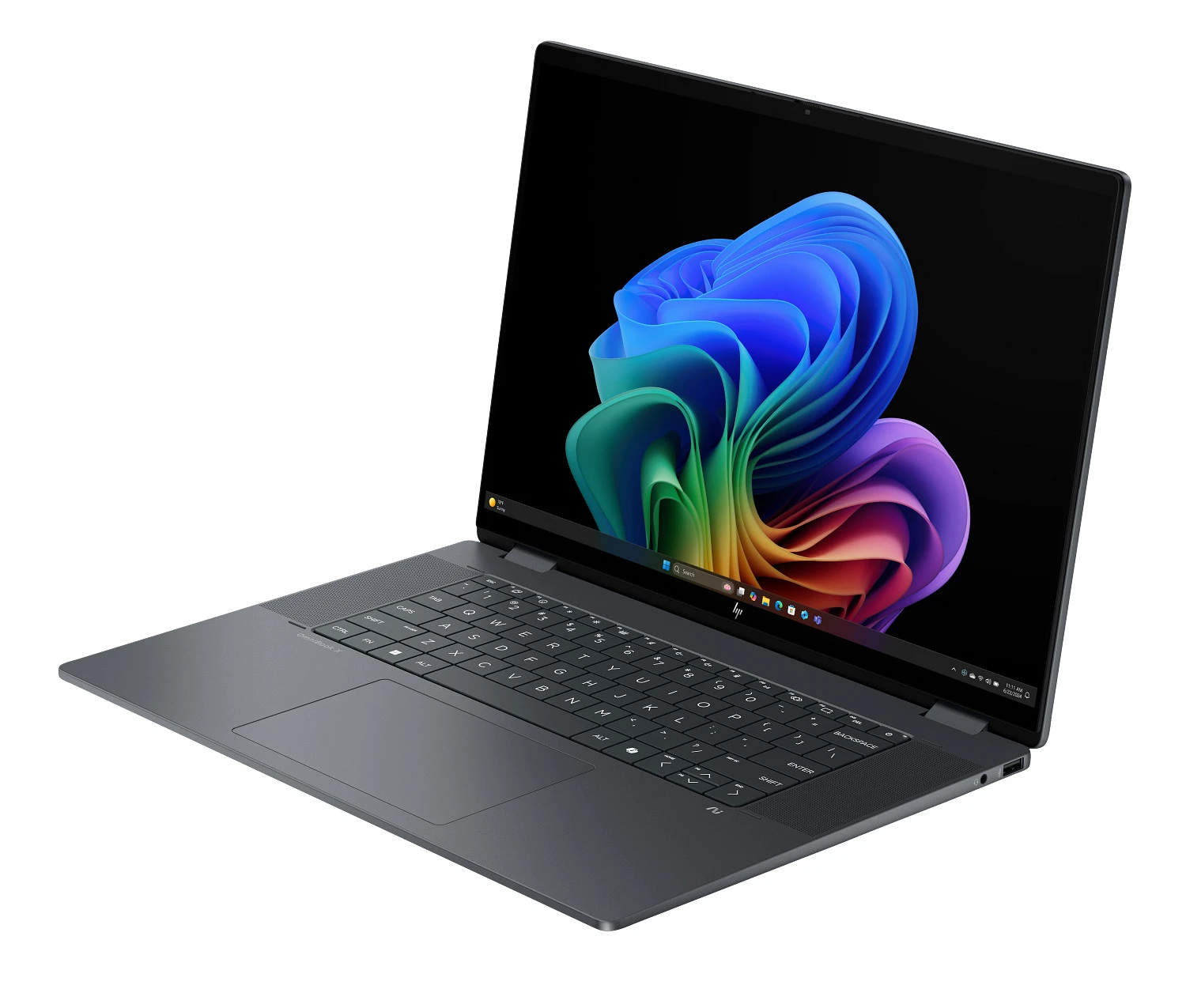
HP 15 / HP 14 (Budget)
Budget-friendly categories for basic tasks like documents, email, and browsing.
- Budget-friendly category
- Good for basic daily tasks
- Email + documents + browsing
- Multiple size options
- We help avoid under/over-buying
*Availability, final configuration, MAP pricing (where applicable), and totals are confirmed during assisted purchase (quote/invoice). Model names and configurations can vary by region and stock.
Want a Cooler, Quieter Laptop for Daily Use?
Share your routine and budget range. We’ll help shortlist HP laptop options that match your needs and guide you through assisted purchase: quote → invoice → delivery.