Printer WiFi & Connection Issues? Let’s Help You Decide the Best Next Step
Some connection issues are temporary. Others repeat often and interrupt home, office, or school printing. We help you understand the situation — and if replacement is the more practical path, we’ll guide you to the right brand-new HP printer.
Common WiFi & Connection Situations
Choose the situation that looks closest to what you are experiencing. This helps us guide you more clearly.
Printer Won’t Connect to WiFi
The printer does not connect to your network at all.
Keeps Disconnecting
The printer connects briefly, then drops again.
Router or Password Changed
Connection issues started after network changes.
Works on One Device Only
Printing works from one device but not from others.
Mobile Printing Not Working
Phone or tablet printing does not work as expected.
Slow Connection / Delays
Printing starts late or connection feels unreliable.
Weak Signal Issues
Printer may be too far from the router or signal is poor.
Recurring Connection Errors
Errors keep coming back even after reconnecting.
HP Printer Categories Customers Often Compare
When WiFi issues repeat, comparing the right printer category first often makes the next decision much easier.
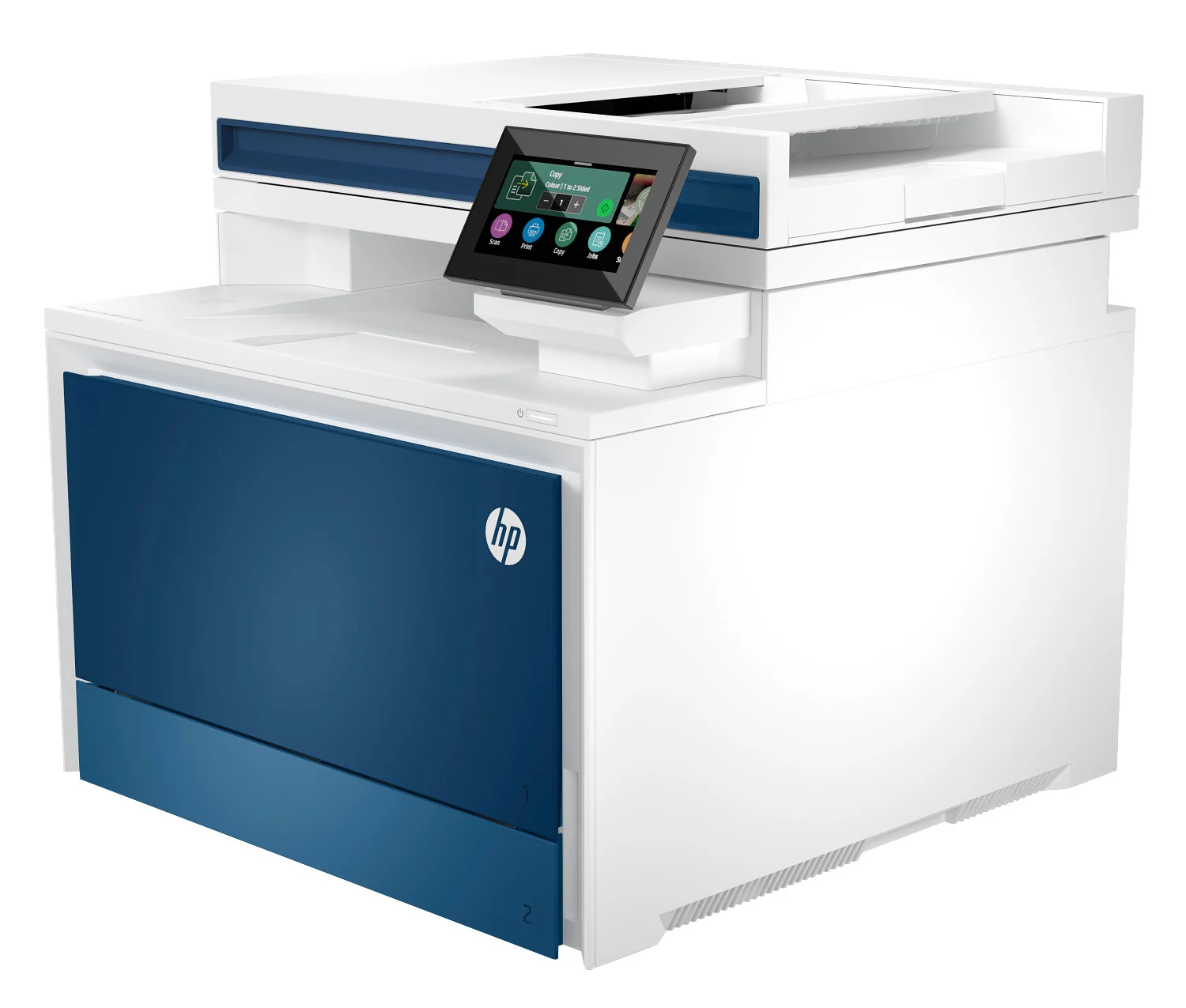
HP LaserJet Category
Often chosen for steady performance, business printing, and dependable office use.
- Strong fit for office environments
- Good for repeated daily printing
- Works well for shared-use setups
- Reliable for document-heavy workflows
- Popular for business printing needs
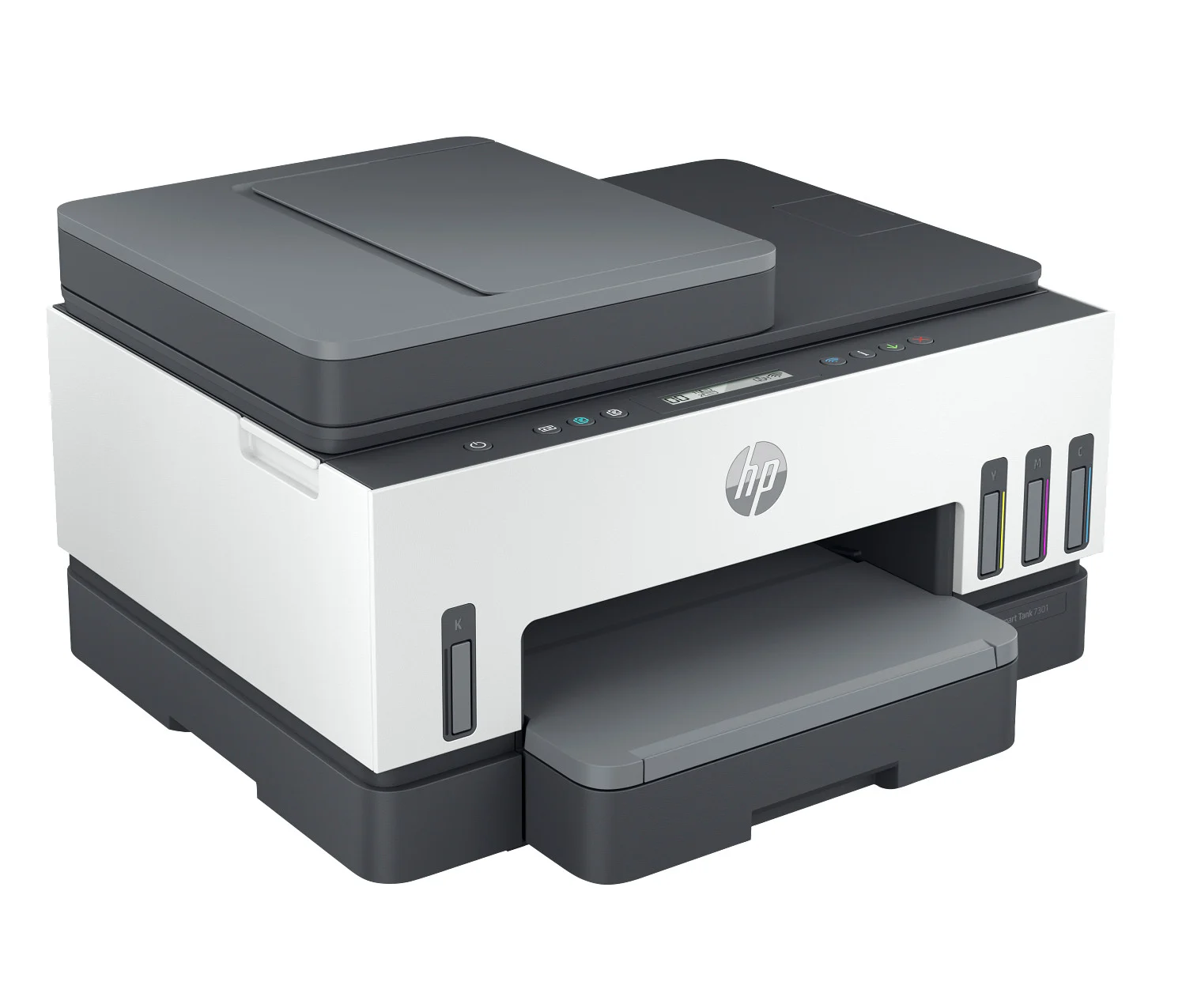
HP Smart Tank Category
Often chosen by families and home offices that print regularly and want better long-term ink efficiency.
- Designed for higher print volumes
- Good fit for home and family use
- Useful for school and home office needs
- Wireless printing convenience
- Strong option for regular printing habits
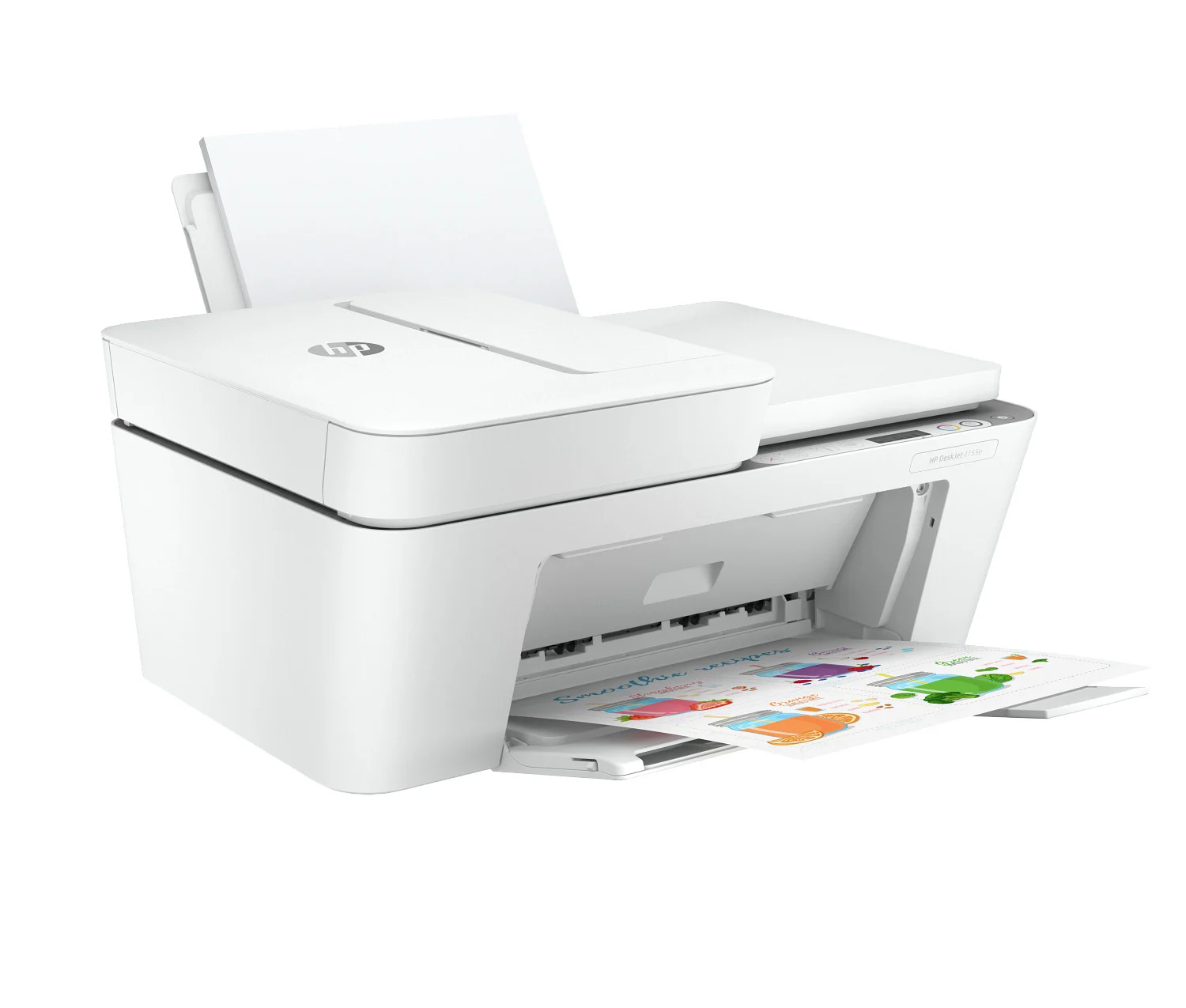
HP DeskJet Category
Often chosen for occasional printing, simple home tasks, and everyday personal use.
- Compact and easy to place
- Good for light home printing
- Simple option for everyday documents
- Useful for occasional color output
- Best for lighter usage needs
How We Resolve the Issue
We focus on practical next steps so you can understand whether to continue, compare, or replace.
Review the Situation
- Understand how the WiFi or connection issue appears
- Identify whether it happens occasionally or repeatedly
- Look at printing habits and environment
- Consider how much you rely on the printer daily
Compare Options
- Review whether keeping the current printer still makes sense
- Compare home and office replacement directions
- Look at modern categories based on your usage
- Reduce guesswork before making a buying decision
Match a Suitable Printer
- Help compare HP printer categories clearly
- Recommend a better fit based on volume and features
- Consider home, office, and shared-use environments
- Help avoid choosing the wrong model
Provide Clear Next Steps
- Chat with a product specialist
- Review the most practical direction
- Move toward suitable printer recommendations
- Proceed with more confidence and less confusion
Get Product Expert Assistance
If your printer is no longer reliable on WiFi, a product expert can help you compare options and choose the right next step.

Get Product Expert
Talk through the issue. Compare the options.
When a printer keeps disconnecting or no longer connects the way you need, the next step should feel clear. We help customers compare categories, understand replacement options, and choose a more suitable printer for home or office use.
- Guidance for home, family, and school printing needs
- Guidance for home office and business environments
- Help comparing HP printer categories
- Clearer direction before moving into quote or invoice stage
Quick Guide: When Replacement May (or May Not) Make Sense
Our goal is clarity. If your printer is still a good fit, we’ll tell you. If replacement is the smarter path, we’ll guide you based on your usage.
It May Still Be Usable If
- Connection issues happen only occasionally
- You print lightly and can tolerate some interruptions
- Your printer is relatively newer (under ~3–4 years)
- The printer still fits your current usage needs
- You do not rely on it daily for work or business
Replacement May Make Sense If
- WiFi or connection issues happen frequently
- You keep losing time on repeated disruptions
- Multiple users or devices depend on printing
- Your printer is older and reliability matters
- You print daily for business, school, or home office workflows
How Assisted Purchase Works
Simple, clear, and guided — especially helpful if you’re unsure what to choose.
1) Share Your Situation
Tell us how you use the printer and what is happening.
2) We Match Options
We guide you to suitable HP categories and likely best-fit choices.
3) Quote & Invoice
Availability and totals are confirmed before you proceed.
4) Delivery
We coordinate next steps and delivery details clearly.
Why Choose ePrinterShoppe
Clear guidance, correct product selection, and a smooth assisted purchase experience.
HP Authorized Partner
- We source genuine HP products through authorized partner channels
- Brand-new printer recommendations based on your needs
- Clear communication before you proceed
Guidance-First Approach
- We help you decide whether replacement makes sense
- We help avoid buying the wrong printer
- We match options to home or business usage
Clear Next Steps
- Guided process step-by-step
- Quote/invoice confirms availability and totals
- We can direct you to HP resources where appropriate
What Customers Share
Examples of how customers used our guidance to choose a better-fit HP option after repeated connection issues.
Home Office Upgrade
- Helped me understand replacement made sense
- Recommended a better option for daily printing
- Clear steps from guidance to delivery
Small Business Printing
- Suggested the right category for office needs
- Less downtime, more reliable printing
- Easy, guided experience
Family Printing Needs
- Helped choose a better fit for school work
- Better long-term efficiency for volume
- Clear recommendations without pressure
Frequently Asked Questions
Quick answers about our guidance and assisted purchase approach.
Ready to Choose the Right HP Printer?
If your printer keeps disconnecting or WiFi printing is unreliable, chat with a product specialist. We’ll guide you to the best option for your needs.
Disclaimer: We provide independent product guidance and assisted purchase support. ePrinterShoppe is an HP Authorized Partner for sourcing genuine HP products. We do not provide official manufacturer repair or warranty services. For official HP support programs or manufacturer warranty service, we can direct you to HP resources where appropriate. Product availability, eligibility, and final totals are confirmed on quote/invoice.